Pay in Seconds
In-store, in-app, or online no card required.
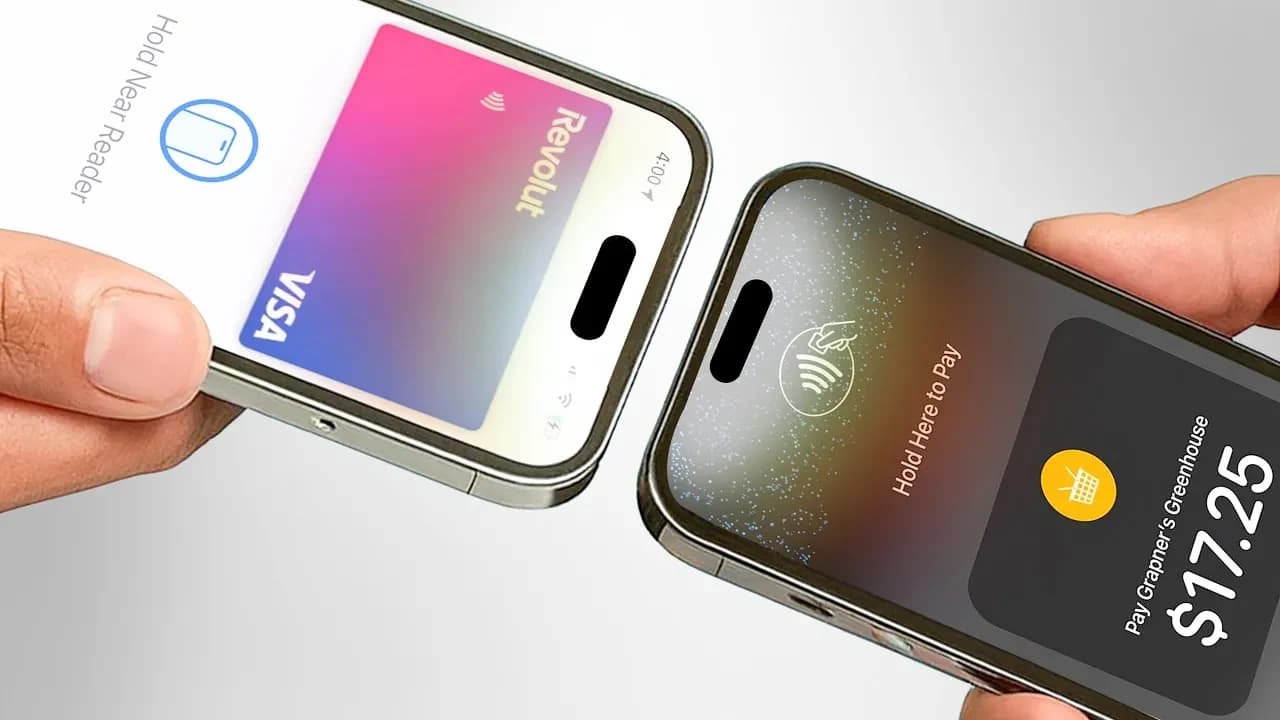
Add your Remium card to Apple Wallet and pay with your iPhone, Apple Watch, iPad, or Mac fast, secure, and accepted everywhere Apple Pay works.

In-store, in-app, or online no card required.
iPhone, Apple Watch, iPad, and Mac, all covered.
Every tap verified with Face ID, Touch ID, or your passcode.
Every tap shows up instantly in the Remium app.
Whether you're managing personal finances or running a growing business, Remium offers banking solutions designed around the way you move

Premium banking for everyday life, with global access, flexible money management and exclusive lifestyle services.

Hold and manage 29+ currencies

Visa cards with Apple Pay support

Concierge & exclusive experiences

Modern business banking built to simplify payments, manage teams and support international growth.

Manage multiple currencies

Bulk payments and business cards

Team access and treasury tools

Step 1
Open the Wallet app on your iPhone.
Step 2
Tap the + icon to add a new card.
Step 3
Select "Debit or Credit Card" and follow the prompts.
Step 4
Enter your Remium card details, or scan your card.
Step 5
Verify your card through the Remium app.
Step 6
Start paying with Apple Pay right away.
Apple Pay never shares your actual card number with merchants each transaction uses a unique, device specific number instead. Every payment is authenticated with Face ID, Touch ID, or your passcode, and you can freeze your card instantly from the Remium app if anything ever looks wrong.
Remium is a digital banking platform designed for individuals and businesses with international financial needs. It brings everyday banking, multi-currency accounts, global payments and lifestyle services together in one place.